Logos, Ready to Download
Every version comes as a scalable SVG and as PNG files. Pick the one that matches your background.
Primary Mark
The default everywhere: site headers, profile pictures, and slide corners.










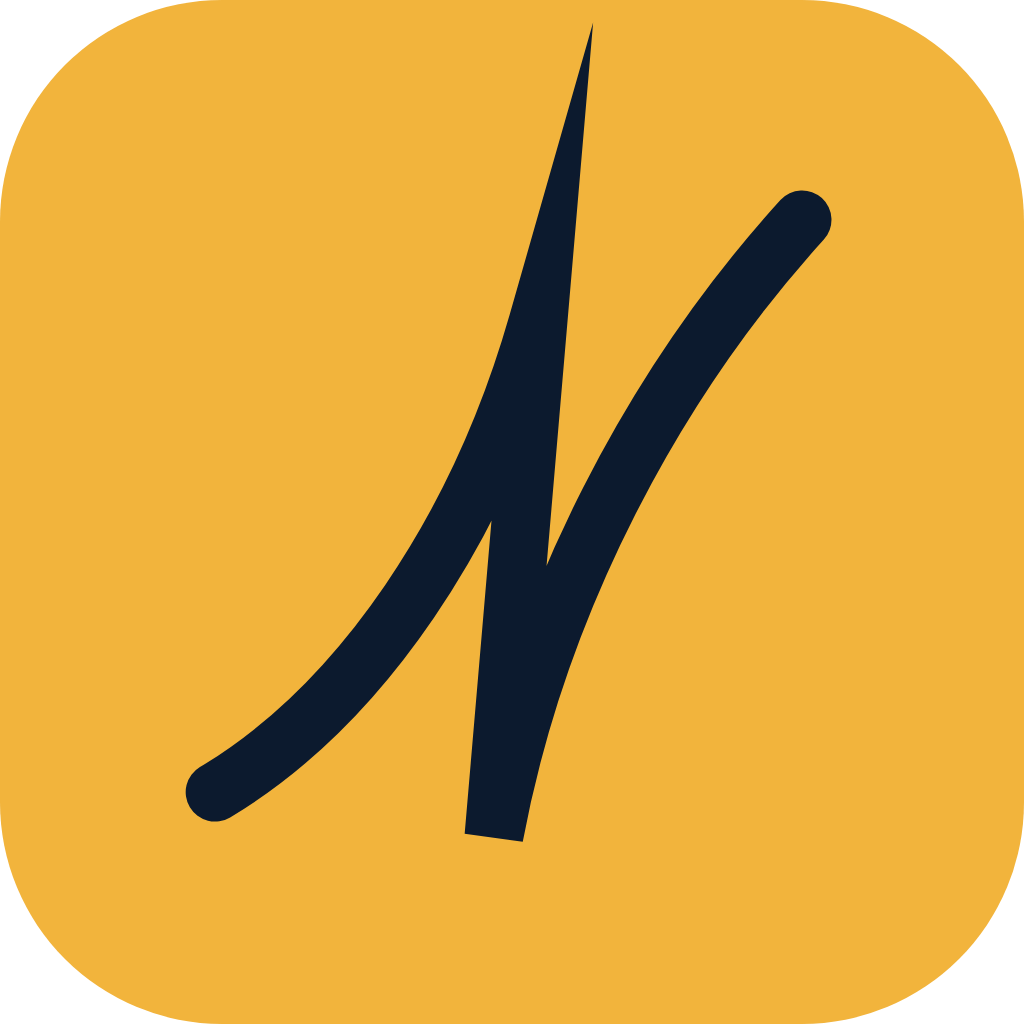
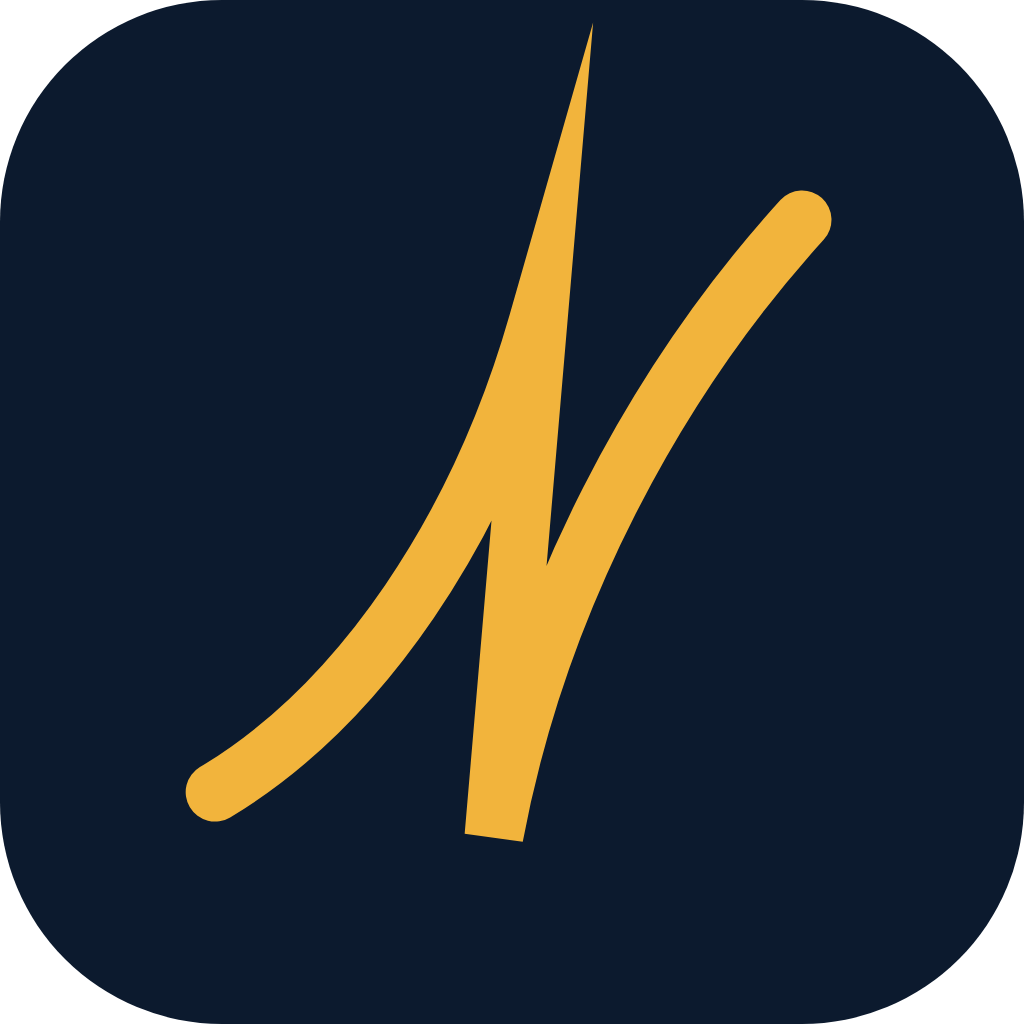
Signature N
For very small sizes where the loop would blur, such as a 16 pixel icon.



Lockup
When the name must appear with the mark: email signatures, letterhead, and title slides.





How to Use the Mark
- Keep clear space equal to one quarter of the width of the mark
- Use the white N with the accent loop on navy or dark photos
- Use the navy N with the accent loop on white or light backgrounds
- Keep the primary mark at 24 pixels or larger, the Signature N at 16, and the lockup at 160 wide
- Stretch, rotate, recolor, outline, or add shadows
- Place the mark on a busy photo without a navy or white tile
- Put the mark inside a circle or ring
- Retype the N in a font or redraw the mark
Colors
Click a color to copy its hex value. The balance is about 60 percent navy or paper, 30 percent white surfaces, and 10 percent accent.
Four Approved Schemes
Navy and Amber is the default. Click one to switch this whole site. Every scheme has to pass the same measured contrast rules before it ships.
Type
Bricolage Grotesque
Weight 700 with tight letter spacing, about minus 2 percent.
Public Sans keeps long text calm and easy to read at any size.
Weights 400, 500, and 600. Body is 17 pixels with a 1.65 line height on the web.
Both fonts are open source under the SIL Open Font License and are included in the package.
Voice and Writing
- Plain words and short sentences that lead with the result
- Title Case for headings and buttons
- Commas, periods, or the word "to" in place of dashes
- Outcomes a board cares about: leading, saving money, delivering at scale, and security
- Every number is true and sourced
- Planned work is never described as finished
- Georgia Southern University is always named in full
- Demo screens use the fictional Oakhaven name and invented data
Guides, Tokens, and Icons
For people and for AI agents. The brand guide and the skill hold the same rules in two forms.
Brand Guide
The full rules as a three page visual guide and as markdown.
Brand Skill
The same rules written as a skill an AI agent loads before it builds anything with my name on it.
Colors as Code
CSS variables, the color list, the four schemes, and the contrast checker.
Favicons and App Icons
Browser and app icons at every size a site needs.




Take the Whole Package
One zip with every logo, icon, font, token, and guide on this page.
Download the Full Package See the Brand Kits I Build for Schools